WordPress Helpers
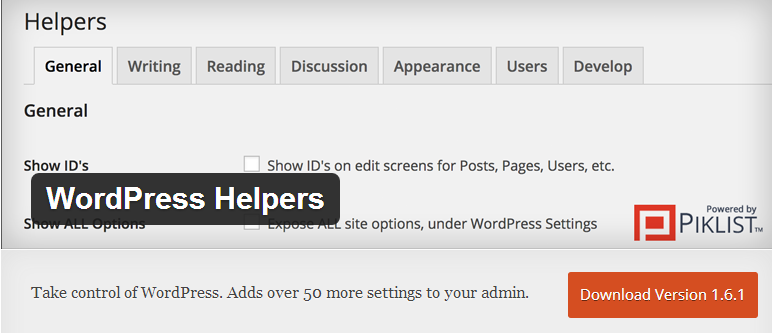
Take control of WordPress. Adds over 50 more settings to your admin.
With WordPress Helpers you can easily:
- Customize your login screen logo and background color.
- Take control of the WordPress Admin Bar… including “Howdy”.
- Show ID’s on edit screens for Posts, Pages, Categories, Tags, Users, Media, Custom Post Types and Custom Taxonomies.
- Expose the hidden WordPress settings page.
- Disable the theme switcher.
- Remove the “Screen Options” tab.
- Disable Upgrade Notifications for WordPress, Themes and Plugins (individually).
- Hide Dashboard widgets.
- Set Dashboard columns.
- View Screen Information in the Help Tab.
- Bring back Blogrolls.
Writing
- Set the default Post editor (Visual or HTML).
- Set Post Editor columns.
- Totally disable the Visual Editor.
- Increase the height of the Excerpt box when writing a Post.
- Disable Autosave.
- Set the Post Per Page on the edit screen.
Reading
- Set Excerpt length by characters or words.
- Remove the “Private” and “Protected” title prefixes.
- Disable RSS Feeds.
- Delay publishing of RSS feeds.
- Add Featured Images to your RSS Feed.
- Include/Exclude Post Types in Search.
- Disable XML-RPC (WordPress 3.5 or later)
Discussion
- Do not allow comments on Pages.
- Remove auto linking in comments.
- Disable Self Pinging.
Appearance
- Enhanced Body/Post Classes: Browser detect, Taxonomies (including hierarchy levels), post date, has post thumbnail, author information, logged in users, multisite, odd/even (post archives only), post excerpt.
- Remove any/all WordPress default widgets.
- Run any shortcode in a widget.
- Remove WordPress version, Feed Links, RSD Link, wlwmanifest and relational links for the posts adjacent to the current post, from your theme header.
User Profiles
- Remove the Admin color scheme option from the User Profiles.
- Remove AIM, Yahoo IM, Jabber/Google Talk.
User Communication
- Change WordPress “from” email address.
Site Visitors
- Put your site into Maintenance Mode.
- Create a Private website.
- Redirect vistors to the home page after login.
- Display an notice to your users in the admin or on the front of your site.